Picture this: It’s a Friday night. You’ve had a long week, and all you want is to sink into your couch and lose yourself in a good show. You grab the remote, and… the smart TV feels more like a frustrating maze than a gateway to entertainment. Sound familiar? We’ve all been there. It seems like every year brings new features, apps, and confusing interfaces. As someone who has been navigating the world of smart TVs for over two decades, I’ve seen the evolution firsthand. I’ve gone from clunky early models to the sleek, voice-controlled behemoths we have today. This experience has taught me what truly matters and, more importantly, what’s often overlooked.
The Evolution of the Entertainment Hub
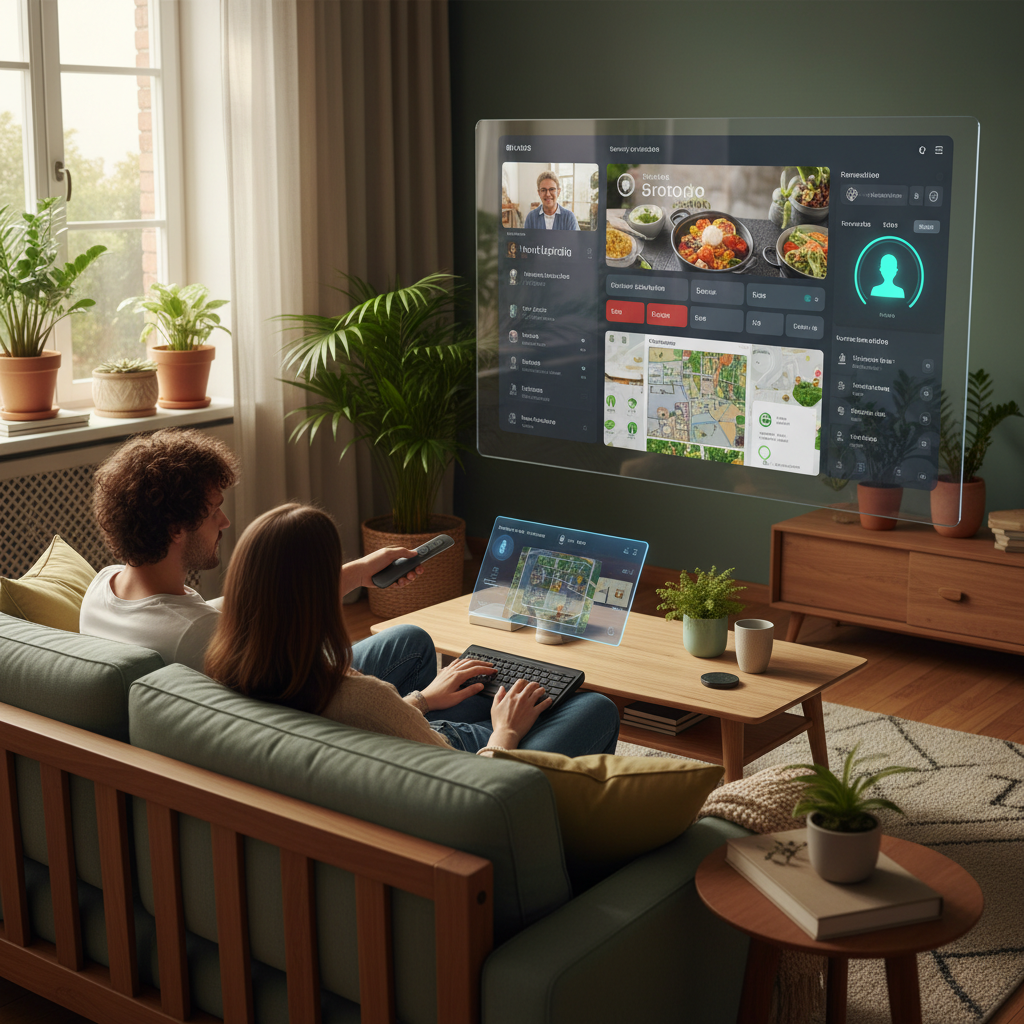
Back in the early 2000s, “smart” meant a handful of pre-loaded games and maybe a basic web browser on your TV. The picture quality was good, but the “smart” features were more of a novelty. Fast forward to 2026, and the smart TV has become the central hub of your home entertainment. It’s not just about watching TV shows or movies; it’s about streaming, gaming, controlling other smart home devices, and even video conferencing. The goal is to provide a seamless, integrated experience.
The core promise of a smart TV is simple: convenience. Accessing all your favorite content in one place, without needing multiple devices, is the dream. However, like any technology, the reality can sometimes fall short of the promise. Let’s delve into some common misconceptions and how to truly harness the potential of your smart TV in 2026.
The Biggest Misunderstandings About Smart TVs
One of the biggest misunderstandings is treating a smart TV like a regular TV. Many people simply plug it in, tune in their channels, and maybe occasionally use a streaming app. They miss out on a wealth of features that can truly enhance their viewing experience and even simplify their lives.
- Ignoring the “Smart” Features: Think beyond Netflix and YouTube. Smart TVs offer a wide array of apps, from news and fitness programs to interactive games and virtual tours. Many people only use a fraction of what’s available.
- Neglecting Software Updates: Unlike a regular TV, a smart TV’s performance and security are directly tied to its software. Neglecting updates can leave you vulnerable to security risks and miss out on performance improvements and new features.
- Overlooking Picture and Sound Calibration: Most smart TVs have advanced picture and sound settings, but many users never touch them. This can result in a viewing experience that’s far from optimal.
- Assuming All Smart TVs Are Equal: Not all smart TVs are created equal. Different brands use different operating systems, offer varying levels of processing power, and have unique feature sets. Choosing the right one for your needs is crucial.
Common Long-Term Problems and How to Avoid Them
Smart TVs, like any complex piece of technology, are susceptible to issues over time. However, many problems can be prevented or mitigated with proactive care and smart usage.
- Slow Performance: Over time, the performance of your smart TV can slow down. This is often due to accumulated cached data and apps running in the background.
- The Fix: Regularly clear the cache and data for apps you don’t use and close background applications. Perform a factory reset if necessary.
- Security Vulnerabilities: Smart TVs, connected to the internet, are potential targets for hackers. Outdated software is a major vulnerability.
- The Fix: Always keep your TV’s software updated. Use a strong password for your Wi-Fi network and consider using a VPN for added security.
- Remote Control Issues: Remote controls can malfunction or become unresponsive.
- The Fix: Keep the remote clean, replace batteries regularly, and check for any physical damage. If the problem persists, try re-pairing the remote with the TV. In many cases, using your smartphone as a remote is an alternative.
- Burn-in on OLED Screens: OLED TVs offer stunning picture quality, but they can be susceptible to image burn-in if static elements are displayed for extended periods.
- The Fix: Avoid leaving the TV on a channel with a static logo or interface for long periods. Use screen savers and vary your content.
Smart Usage & Maintenance Habits: Your Smart TV Handbook
Making the most of your smart TV is less about fancy features and more about adopting smart habits. Here’s a practical guide:
- Regular Software Updates: This is non-negotiable. Software updates often contain security patches and performance improvements. Set your TV to automatically update or check for updates manually on a regular basis.
- Customizing Your Home Screen: Take the time to personalize your home screen. Organize your apps, add your most-used channels, and customize the layout to make it easier to find what you want.
- Picture and Sound Calibration: Don’t settle for the default picture and sound settings. Experiment with different modes or use a calibration tool to optimize the picture and sound for your viewing environment. Consider using a soundbar or external speakers for better audio.
- Managing Apps: Regularly review the apps installed on your TV. Uninstall apps you don’t use to free up storage space and reduce the chances of background processes slowing down performance.
- Cleaning the Screen: Dust and fingerprints can significantly degrade picture quality. Use a microfiber cloth to gently clean the screen regularly. Avoid harsh chemicals or abrasive cleaners.
- Securing Your TV: Just as you would secure your computer or smartphone, secure your smart TV. Use a strong Wi-Fi password, consider enabling two-factor authentication, and be wary of suspicious links or downloads.
- Exploring Voice Control: Most smart TVs now offer voice control. Learn how to use it to search for content, control your TV, and even control other smart home devices.
- Understanding Your TV’s Capabilities: Read the manual and familiarize yourself with your TV’s features. Many TVs have hidden features or settings that can enhance your viewing experience.
Smart TVs in 2026: What Really Matters
In 2026, the smart TV landscape is evolving rapidly. While the latest models boast cutting-edge features, some trends truly stand out for their lasting value:
- Improved Processing Power: Faster processors mean quicker app loading, smoother streaming, and a more responsive user interface. Look for TVs with powerful processors to ensure a lag-free experience.
- Enhanced Picture Quality: 4K resolution is now standard, and 8K is becoming more accessible. HDR (High Dynamic Range) technology continues to improve, delivering more vibrant colors and deeper blacks.
- Seamless Integration: Smart TVs are becoming more integrated with other smart home devices. Look for TVs that support popular smart home platforms like Apple HomeKit, Google Assistant, or Amazon Alexa.
- User-Friendly Interfaces: Navigating the smart TV interface should be intuitive and easy. Look for TVs with well-designed interfaces and voice control options.
- Content Aggregation: The ability to access all your streaming services in one place will remain important, making it simple to find what you are looking for.
- Future-Proofing: Investing in a TV with future-proof features like HDMI 2.1 ports will ensure compatibility with the latest gaming consoles and other devices.
The Future is Interactive: The Expanding Role of Smart TVs
The smart TV is no longer just a passive entertainment device. It’s becoming an interactive platform that integrates with every aspect of our lives.
Gaming: Smart TVs are becoming serious gaming platforms, with improved processing power and support for cloud gaming services. Expect to see more TVs with gaming-specific features, such as low-latency modes and high refresh rates.
Home Control: Smart TVs are increasingly becoming central hubs for controlling other smart home devices. You can control your lights, thermostat, security system, and more, all from your TV screen. Imagine dimming the lights, adjusting the thermostat, and locking your doors, all with a voice command while you settle in to watch a movie.
Personalized Content: AI is playing a greater role in smart TVs, personalizing content recommendations based on your viewing habits. Expect to see more advanced AI-powered features that can automatically adjust picture and sound settings based on the content you’re watching.
Interactive Experiences: Smart TVs are evolving beyond passive entertainment. Expect to see more interactive experiences, such as virtual fitness classes, interactive games, and virtual tours.
Health & Wellness: As smart home tech develops further, expect integration with health and wellness devices. Your TV might display real-time health data from your wearable devices.
Beyond the Basics: Making the Most of Your Smart TV
To truly unlock the potential of your smart TV, you need to go beyond the basics. Here are some advanced tips and tricks:
- External Streaming Devices: While smart TVs have built-in streaming capabilities, consider using an external streaming device like an Apple TV, Roku, or Chromecast. These devices often offer a wider selection of apps and a more user-friendly interface.
- Calibrating for Your Environment: The ideal picture settings depend on your viewing environment. Consider calibrating your TV for daytime and nighttime viewing.
- Using Universal Remotes: Simplify your entertainment setup with a universal remote that can control your TV, soundbar, and other devices.
- Exploring Hidden Menus: Some smart TVs have hidden menus that allow you to access advanced settings. Research your TV model to learn how to access these menus.
- Understanding HDMI ARC/eARC: HDMI ARC (Audio Return Channel) and eARC (Enhanced Audio Return Channel) allow you to send audio from your TV to a soundbar or receiver using a single HDMI cable. This simplifies your setup and improves audio quality.
- Optimize Your Internet Connection: A fast and stable internet connection is essential for streaming content. Consider upgrading your internet plan or using an Ethernet cable for a more reliable connection.
The Simple Truth: Enjoy Your Smart TV
The best advice is to experiment and find the settings and features that work best for you. Don’t be afraid to try new things and customize your smart TV to fit your lifestyle. Smart TVs are all about providing a better entertainment experience.
Finally, remember to enjoy your TV. Technology is meant to enhance our lives, not complicate them. Spend less time getting frustrated and more time enjoying your shows, movies, and games. If you are looking for more information on how to protect your home with smart technology, consider reading Unseen Threats: Fortifying Your Home for Safety, Efficiency, and Peace of Mind.
Frequently Asked Questions
Here are some of the most common questions people ask about smart TVs in 2026:
- What’s the best smart TV brand?
There’s no single “best” brand, as the ideal choice depends on your specific needs and budget. Research different brands and models, comparing features, picture quality, and user reviews. Popular brands include Samsung, LG, Sony, and TCL.
- How often should I update my smart TV’s software?
Update your TV’s software as soon as updates become available. This helps ensure that the TV is secure and running as well as possible.
- Do I need a soundbar for my smart TV?
A soundbar can significantly improve your TV’s audio quality, especially if you have a slim-profile TV with limited built-in speakers. Consider a soundbar if you want a more immersive audio experience.
- How do I connect my smart TV to my Wi-Fi?
Go to your TV’s settings menu and look for the network or Wi-Fi settings. Select your Wi-Fi network and enter your password. Make sure the Wi-Fi router is nearby.
- What’s the difference between HDMI ARC and eARC?
HDMI ARC (Audio Return Channel) allows you to send audio from your TV to a soundbar or receiver using a single HDMI cable. eARC (Enhanced Audio Return Channel) is an upgraded version of ARC that supports higher bandwidth and better audio quality, including Dolby Atmos and DTS:X.
- How can I improve my smart TV’s performance?
Regularly clear the cache and data for apps, close background applications, and keep your TV’s software updated. If performance issues persist, consider performing a factory reset.
- Is it safe to use a smart TV?
Yes, but it’s important to take precautions. Always keep your TV’s software updated, use a strong Wi-Fi password, and be wary of suspicious links or downloads. Also, make sure that the TV’s privacy settings are configured to match your preferences.
- What is the lifespan of a smart TV?
The lifespan of a smart TV depends on usage, quality, and maintenance. On average, a smart TV can last from 5-7 years. However, with proper care and maintenance, it can last longer.