Ah, the smartphone. A portal to the world, a lifeline to loved ones, and a constant companion. But also, a source of endless anxiety when that little battery icon dips below a certain percentage. We’ve all been there, hovering near an outlet, panicking as the red bar of doom inches closer. And with that panic comes a deluge of advice, often contradictory and rarely based on actual science. Let’s dive into some of the most persistent myths surrounding phone charging in 2026, separating fact from fiction.
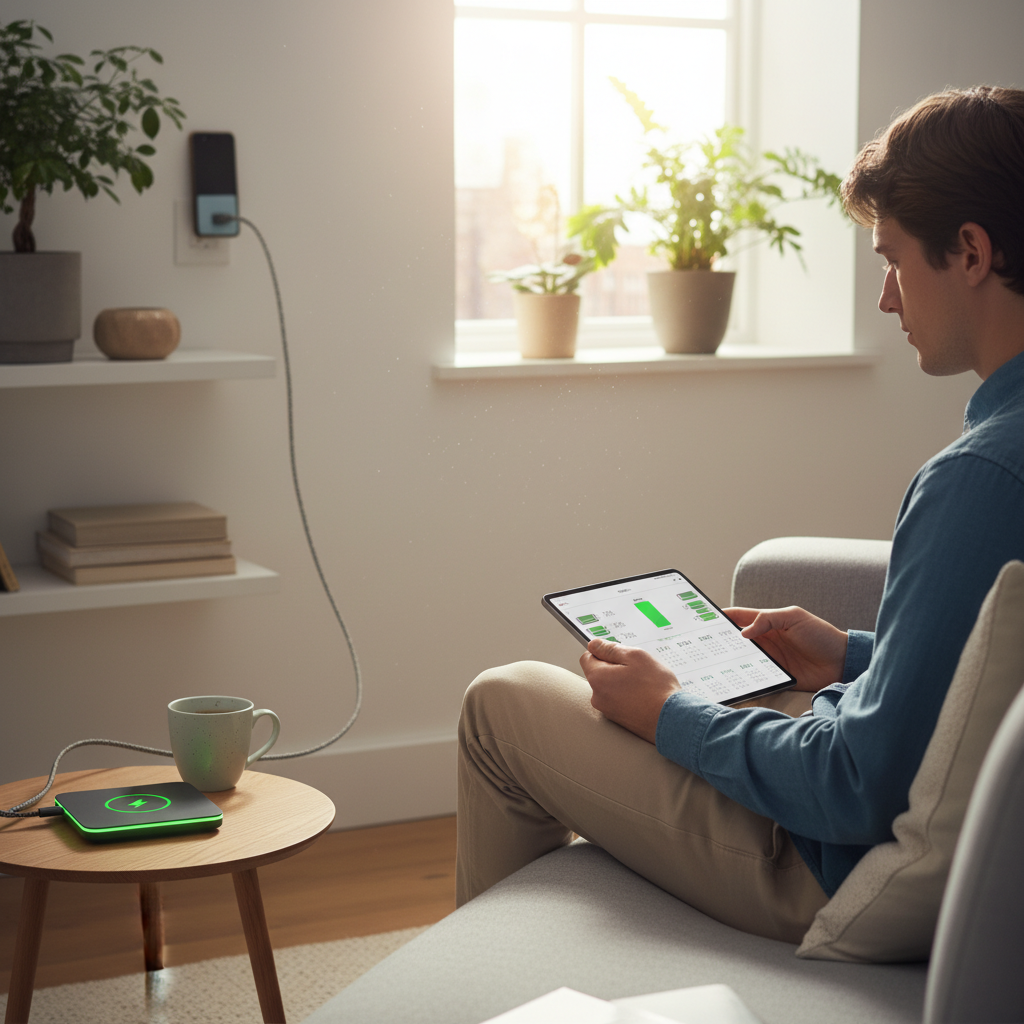
Myth #1: Leaving Your Phone Plugged in Overnight Will Ruin the Battery
This is perhaps the granddaddy of all phone battery myths. The fear: leaving your phone plugged in overnight will “overcharge” it, leading to a diminished battery life and maybe even a fiery explosion (dramatic, I know!).
Why It Sounds Logical
The logic is simple: continuous charging must equal damage. We’re used to things breaking down from overuse, right? And it seems reasonable that forcing energy into a battery long after it’s “full” would be harmful.
What Actually Happens
Modern smartphones are, well, smart. They don’t just blindly suck up power until they explode. Most phones, including both iPhones and Android devices, use sophisticated charging management systems. Once the battery reaches 100%, the charging circuit either cuts off the power entirely or switches to a “trickle charge” to maintain the battery level. Furthermore, many phones now come with smart battery optimization features that learn your usage patterns and stop charging at 80% to minimize battery stress.
Why You Shouldn’t Worry
Leaving your phone plugged in overnight isn’t inherently dangerous. It might even be *better* than letting your phone drain completely, which can be more detrimental to the battery’s long-term health.
Myth #2: You Should Always Let Your Phone Battery Drain to Zero Before Charging
This myth is the opposite of the overnight charging fear. The belief here is that you need to “exercise” the battery by fully draining it before recharging it. Otherwise, the battery will develop a “memory” and lose its capacity.
Why It Sounds Logical
This advice stems from the days of nickel-cadmium (NiCd) batteries, which did suffer from a “memory effect.” If you didn’t fully discharge them before recharging, they would “remember” the shallower discharge cycle and gradually lose capacity.
What Actually Happens
Modern smartphones use lithium-ion (Li-ion) batteries. These batteries don’t have a memory effect. In fact, consistently draining a Li-ion battery to zero can actually *harm* it, stressing the battery and potentially shortening its lifespan.
What Matters Instead
The best practice is to charge your phone whenever it’s convenient, and aim to keep the battery level between 20% and 80%. Occasional full cycles (draining to near zero and charging to 100%) won’t hurt, but they aren’t necessary and shouldn’t be a regular habit.
Myth #3: Fast Charging Damages Your Battery
Fast charging, with its promises of rapid power-ups, seems almost too good to be true. The worry is that pumping all that juice into your phone so quickly will somehow harm the battery.
Why It Sounds Logical
Again, the logic is based on the idea of overload. More power, faster, must equal more stress, right?
What Actually Happens
Fast charging is designed to work with modern batteries. Phones have built-in systems to manage the charging process. Fast charging typically uses a higher voltage in the initial stages to quickly charge the battery to a certain percentage, and then slows down to prevent overheating. Overheating is the real enemy of battery health.
What Matters Instead
Using a fast charger from a reputable manufacturer with the proper specifications for your phone is generally safe. The key is to avoid extreme temperatures. Don’t charge your phone in direct sunlight or in a hot car.
Myth #4: Using a Non-Original Charger Will Ruin Your Battery
The fear here is that using a charger that didn’t come with your phone is a recipe for disaster. This could mean a slow charge, or worse, damage to the device.
Why It Sounds Logical
We’re often told to use only “genuine” parts for our electronics. It seems logical that using a third-party charger might introduce some incompatibility or quality issue.
What Actually Happens
While using a cheap, poorly made charger can be a problem, the brand of the charger is not always the deciding factor. The important thing is whether the charger is made to the correct specifications and is certified for safety. A quality charger from a reputable third-party manufacturer will work just as well as the original.
What Matters Instead
Check the charger’s specifications (voltage, amperage) to make sure it’s compatible with your phone. Look for chargers that have safety certifications. If the charger is too cheap and of poor quality, it may cause issues.
Myth #5: Closing Background Apps Saves Battery Life
This is a pervasive myth. The idea: if you close all those apps running in the background, you’ll magically extend your battery life.
Why It Sounds Logical
It seems obvious: fewer apps running equals less power consumption.
What Actually Happens
Modern smartphones are designed to manage background processes efficiently. Closing and reopening apps can sometimes use *more* battery than simply leaving them running in the background. The operating system is designed to intelligently manage the apps in the background, often “freezing” them so they’re not actively consuming resources.
What Matters Instead
Focus on optimizing your phone’s settings: reduce screen brightness, turn off location services when not needed, and disable unnecessary features like Bluetooth and Wi-Fi.
Beyond the Myths: What Really Matters in 2026
Okay, so we’ve debunked some myths. But what can you *actually* do to maximize your phone’s battery life in 2026?
- Embrace the 20-80 Rule: Charge your phone whenever you can, but try to keep it between 20% and 80%.
- Manage Heat: Avoid extreme temperatures. Don’t leave your phone in a hot car or in direct sunlight.
- Use the Right Charger: Use a charger that’s compatible with your phone and from a reputable manufacturer.
- Optimize Settings: Reduce screen brightness, turn on dark mode, disable features you don’t need (Bluetooth, Wi-Fi, location services).
- Keep Software Updated: Software updates often include battery optimization improvements.
Also, consider exploring the potential of your Smart TV to access content and extend your entertainment options. Learn how to maximize your viewing experience with your smart TV by checking out Unlocking the Smart TV Potential: Beyond the Basic Binge-Watch in 2026.
Frequently Asked Questions (FAQ)
1. Is it safe to charge my phone overnight?
Yes, it’s generally safe. Modern phones have built-in protections to prevent overcharging.
2. Does fast charging damage my battery?
Not necessarily. Fast charging is designed to work with modern batteries. The key is to avoid overheating.
3. Should I let my phone battery drain completely before charging?
No, that can actually be harmful. Aim to charge your phone before it drops below 20%.
4. Does using a non-original charger harm my phone?
Not always. The key is to use a charger that’s compatible and from a reputable manufacturer.
5. Does closing background apps save battery life?
Not necessarily. Modern phones manage background processes efficiently.
6. What’s the best way to extend my phone’s battery life?
Optimize your settings, manage heat, and charge your phone frequently within the 20-80% range.
7. Is it okay to use my phone while it’s charging?
Yes, it is generally okay. However, avoid resource-intensive tasks while charging as these may cause the device to heat up.
8. How often should I fully charge my phone?
You don’t need to fully charge your phone regularly. Occasional full charges won’t hurt, but they’re not essential.
In Conclusion
Phone battery life can feel like a mystery. But by understanding the facts and ditching the myths, you can keep your phone running smoothly and stress-free. Remember, keeping your phone’s battery between 20% and 80% is a great way to help it last longer. Now go forth and charge (responsibly)! Visit Josephs Well for more helpful tech tips.