The year is 2026. You’re sprawled on your sofa, remote in hand, ready to dive into the latest streaming sensation. But before you get lost in the plot, a thought crosses your mind: Is my smart TV *really* up to the task? Does it offer the best viewing experience?
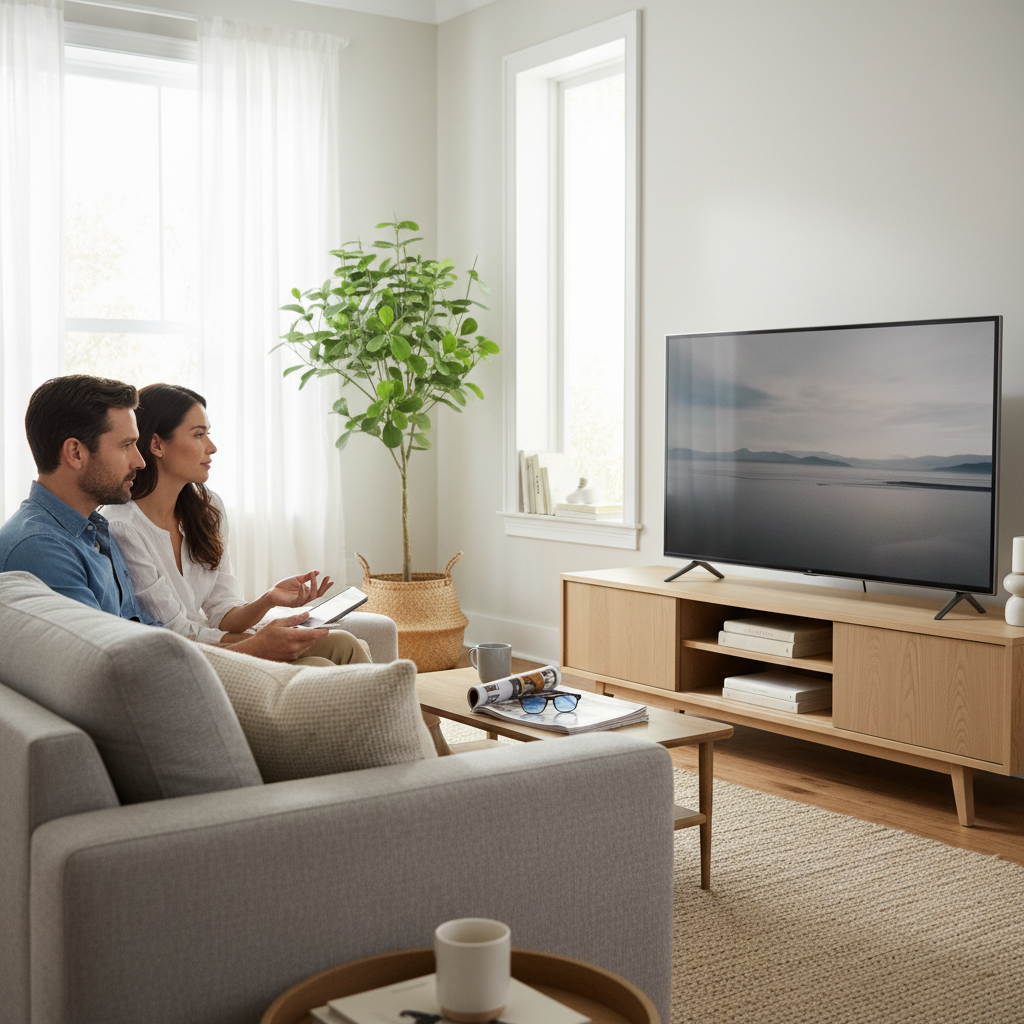
If you’re like most folks, the answer might be a hesitant “maybe.” Smart TVs have become a cornerstone of modern home entertainment, but they’re also notorious for quirks, confusing features, and the nagging feeling that you could be getting more. This isn’t just about watching shows; it’s about making a smart investment in your home tech. This guide cuts through the hype to give you the real deal on smart TVs in 2026.
Why a Smart TV? The Promise vs. the Reality
Smart TVs burst onto the scene promising a world of instant access. No more juggling remotes or switching inputs – everything was supposed to be integrated. Streaming services, on-demand content, and even internet browsing were all at your fingertips.
But the reality? It hasn’t always matched the promise. Many early smart TVs suffered from clunky interfaces, limited app selections, and sluggish performance. Even today, some models still feel like an afterthought, with smart features that are more of a burden than a benefit. Let’s be honest, how many of us have a drawer full of unused remotes for various streaming devices? The dream of seamless integration hasn’t quite materialized for everyone.
The Common Pitfalls: What Can Go Wrong
Before you upgrade, let’s look at the dark side of smart TVs: the things that can drive you crazy. Knowing about these problems can help you make a better buying decision.
1. Sluggish Performance and Lag
This is probably the most common complaint. A slow smart TV is incredibly frustrating. The menus lag, apps take forever to load, and even changing channels can feel like a chore. The problem often boils down to:
- Underpowered Processors: Many smart TVs use low-cost processors that struggle to handle complex tasks.
- Insufficient RAM: Lack of memory causes the TV to struggle to multitask, which is the cornerstone of a smart TV.
- Outdated Software: Without regular software updates, performance can degrade over time.
2. App Issues
Apps are the heart of the smart TV experience, but they can be a source of constant frustration. They freeze, crash, or simply refuse to launch. Reasons why this happens include:
- App Updates: Developers frequently update their apps, and if your TV doesn’t support the latest version, you’re out of luck.
- Compatibility Problems: Your TV may not be able to run all of the apps that you want.
- Storage Limitations: Limited storage space can cause apps to malfunction.
3. Connectivity Problems
Wi-Fi dropouts, buffering, and general network woes are a surefire way to ruin movie night. Common causes:
- Weak Wi-Fi Signal: Your TV needs a strong, stable connection to stream content smoothly.
- Router Issues: An outdated or overloaded router can struggle to handle the demands of streaming.
- Software Glitches: Sometimes, the TV’s software has problems connecting to the internet.
4. Picture and Sound Quality
While the picture and sound quality are improving, not all smart TVs deliver on the promise of a premium experience. Be aware of these potential issues:
- Poor Contrast: Black levels can appear gray, diminishing the impact of dark scenes.
- Limited Brightness: HDR content may not look as vibrant as it should, especially in bright rooms.
- Weak Audio: Built-in speakers often lack the power and clarity for an immersive experience.
Smart Usage & Maintenance: Making Your TV Last
Here are some straightforward habits that will help you enjoy your TV, now and in the future.
1. Choose the Right TV for Your Needs
Don’t be swayed by marketing buzzwords. Consider these factors:
- Screen Size: Get the right size for your room. Too big, and it’s overwhelming; too small, and you miss the detail.
- Panel Technology: OLED offers the best picture quality, but it’s often more expensive. LED/QLED provide a good balance of cost and performance.
- Smart Features: Make sure the TV’s operating system has the apps you use most. If you have a smart home, check for compatibility with your preferred voice assistant.
2. Proper Placement and Ventilation
Where you place your TV matters. Avoid direct sunlight, which can damage the screen. Ensure there’s adequate ventilation, especially if wall-mounting. Overheating is a common cause of TV problems.
3. Regular Software Updates
Keep your TV’s software up to date. Updates often include performance improvements, bug fixes, and new features. They’re critical for security and compatibility.
4. Careful Cleaning
Use a microfiber cloth and avoid harsh chemicals. Never spray liquid directly onto the screen. This is crucial for maintaining the screen’s integrity.
5. Power Protection
Use a surge protector to guard against power fluctuations. This simple step can save you from costly repairs.
6. Manage Brightness and Contrast
Don’t crank up the brightness and contrast to maximum levels. Doing this can decrease the lifespan of your TV. Adjust the settings for comfortable viewing and the best picture quality.
7. Turn it Off Regularly
Just like any appliance, your TV needs a rest. Turn it off when you’re not using it. This is a simple way to extend its lifespan.
Future-Proofing Your Smart TV: What Actually Matters in 2026
Home tech evolves fast, so here are some things to focus on when choosing a TV today.
1. 4K Resolution (or Higher)
If you’re buying a new TV in 2026, don’t even consider anything less than 4K. The price difference between 4K and lower resolutions is negligible. 4K is the current standard, and content is increasingly designed for it.
2. HDR Support
High Dynamic Range (HDR) significantly improves picture quality, with brighter highlights, deeper blacks, and a wider color range. Look for TVs with HDR10, Dolby Vision, or both.
3. HDMI 2.1 Ports
HDMI 2.1 is essential for connecting the latest gaming consoles and other devices. It supports higher refresh rates and other features that enhance the viewing and gaming experience.
4. A Responsive Operating System
A fast, intuitive operating system is essential. Check reviews and try out the interface in a store if possible. Consider brands like LG, Sony, or Samsung as the smart features on cheaper TVs are poorly implemented.
5. Consider Quantum OLED
Quantum OLED is a cutting-edge display technology that offers excellent picture quality. While OLED has been around for a while, it is becoming more affordable.
Frequently Asked Questions (FAQ)
Q: How long should a smart TV last?
A: With proper care and maintenance, a smart TV should last 7–10 years. However, this can vary depending on usage and the quality of the TV.
Q: What’s the best way to clean my TV screen?
A: Use a microfiber cloth and distilled water or a screen-specific cleaner. Avoid harsh chemicals and never spray directly onto the screen.
Q: My smart TV is running slow. What can I do?
A: Try restarting the TV and clearing the cache of the apps you use most often. Make sure the software is up to date, and consider deleting unused apps.
Q: Should I buy an extended warranty?
A: If you are getting an expensive TV, it can be a good idea to protect your investment.
Q: How can I improve the sound quality of my TV?
A: A soundbar or external speakers can significantly improve sound quality. Some TVs also support Dolby Atmos.
Q: What is burn-in, and how can I prevent it?
A: Burn-in is a permanent image retention on OLED TVs. To prevent it, avoid displaying static images for extended periods and vary the content you watch.
Q: What’s the ideal viewing distance for my TV?
A: As a general rule, multiply the screen size in inches by 1.5 to 2.5 to get the ideal viewing distance in feet.
Conclusion
Smart TVs have come a long way, but it’s important to go into the process with your eyes open. By understanding the potential pitfalls, prioritizing essential features, and adopting smart usage habits, you can make an informed choice and enjoy years of entertainment. The key is to find the right balance of features, performance, and value to create a home entertainment setup that enhances your life, not complicates it. Remember that you can always learn more on sites like Josephs Well for more information on home tech.