Imagine your ideal day: You wake up feeling refreshed, your mind clear, ready to tackle the day. You check your email – not with dread, but with a sense of control. This isn’t a fantasy; it’s achievable by decluttering your digital life, starting with your inbox. We’re going to explore how seemingly small inefficiencies in managing emails and digital information can accumulate, leading to stress, wasted time, and a feeling of being constantly overwhelmed. This guide offers a practical, step-by-step approach to reclaiming your time and mental space, moving beyond simply managing your inbox to truly optimizing your digital life for peace and efficiency.
The Daily Grind: How Inefficient Digital Habits Drain You
Let’s paint a picture of a typical workday. You start your day by checking your email. The number of unread messages is daunting. You scan through, deleting a few, responding to others, and promising yourself you’ll address the rest “later.” Then, you switch to your project management software, scrolling through endless tasks, notes, and updates. Throughout the day, notifications from your phone and various apps ping, distracting you from focused work. By the end of the day, you feel mentally drained, as though you’ve been fighting a constant information battle.
This is a common experience. We often underestimate the cumulative impact of these small, daily inefficiencies. The constant switching between tasks, the distractions from notifications, and the relentless stream of information take a toll on our cognitive resources. The result is decreased productivity, increased stress levels, and a general feeling of being out of control. It’s like having a leaky faucet in your mind; a constant drip of information that slowly, but surely, erodes your focus and energy. This is a problem many of us face, but it’s a problem that can be fixed.
The Hidden Costs: What You’re Losing to Digital Clutter
The consequences of digital clutter extend far beyond wasted time. Here’s a breakdown of the hidden costs:
- Lost Productivity: The time spent sifting through irrelevant emails, searching for lost files, and responding to non-urgent notifications adds up. You’re essentially trading hours of focused work for reactive tasks.
- Increased Stress: A cluttered inbox and disorganized digital workspace can contribute to feelings of anxiety and overwhelm. The constant feeling of “catching up” is exhausting.
- Missed Opportunities: Important emails, deadlines, and project updates can get lost in the noise, leading to missed opportunities or project delays.
- Poor Decision-Making: When information is disorganized, it’s harder to make informed decisions. You might overlook critical details or fail to see the bigger picture.
- Impact on Mental Health: The constant barrage of digital information can lead to increased stress, decreased attention spans, and even sleep disturbances.
These are not just minor inconveniences; they’re significant factors impacting your overall well-being and success. A proactive approach to digital organization can dramatically improve your life.
Common Wrong Habits That Make Things Worse
Many people unknowingly perpetuate habits that exacerbate digital clutter. Recognizing these is the first step toward change:
- Endless Email Checking: Constantly checking your inbox throughout the day disrupts your focus and increases your anxiety. Each check is a mental interruption that steals your attention.
- Delayed Responses: Putting off responding to emails leads to a growing backlog. The longer you wait, the more overwhelming the task becomes.
- Poor File Management: Saving files with generic names or failing to organize them into logical folders makes it nearly impossible to find what you need. This wastes precious time.
- Ignoring Notifications: Leaving notifications on for every app, website, and service floods your brain with distractions. Each notification is a small interruption, chipping away at your focus. As explored in “The Quiet Hijack: How Phone Notifications Changed Our Days”, these interruptions can significantly impact your productivity.
- Accumulating Digital “Stuff”: Hoarding files, documents, and old emails without a clear purpose contributes to the clutter. Digital hoarding, like physical hoarding, can weigh you down.
Breaking these habits is key to reclaiming your digital life. It’s about consciously choosing to work smarter, not harder.
Simple System-Level Improvements for a Clutter-Free Digital Life
Implementing a few straightforward systems can make a massive difference. Here are practical steps to start:
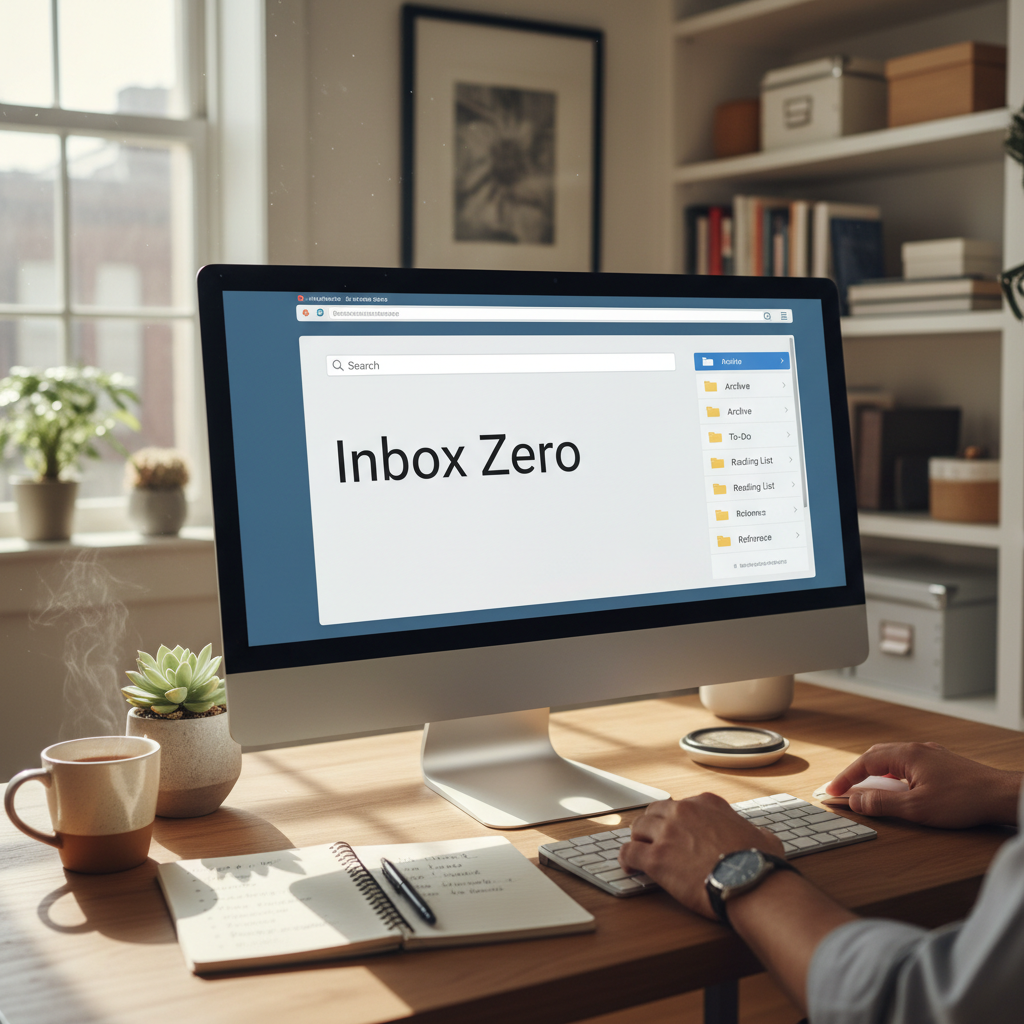
1. Inbox Zero – The Foundation
Inbox Zero isn’t about having an empty inbox all the time; it’s about processing your emails efficiently to make sure your inbox is a tool, not a burden. It can be easily achieved. Here’s how:
- Schedule Email Time: Designate specific times during the day to check and respond to emails. Avoid the urge to check constantly.
- The “5 D’s” of Email Processing: For each email, decide its fate using these five options:
- Delete: Get rid of emails you don’t need.
- Delegate: Forward emails to the right person.
- Do: Take action immediately if it takes less than 2-3 minutes.
- Defer: Add longer tasks to your to-do list.
- Document: File important emails in relevant folders for future reference.
- Unsubscribe Ruthlessly: Regularly unsubscribe from email lists you no longer read. This will reduce inbox clutter.
- Use Filters and Rules: Set up email filters to automatically sort incoming messages, like newsletters and notifications, into separate folders.
2. Master File Management
Organizing your digital files is as essential as managing your email. Here’s a simple system:
- Create a Clear Folder Structure: Organize your files into a logical hierarchy (e.g., Projects, Finances, Personal).
- Use Consistent Naming Conventions: Adopt a consistent naming system for your files (e.g., “ProjectName_Date_DocumentType”).
- Back Up Your Files: Regularly back up your files to an external hard drive or cloud storage to prevent data loss.
- Review and Purge: Periodically review your files and delete anything that’s no longer needed.
3. Tame Your Notifications
Notifications are a major source of distraction. Take control by:
- Disable Non-Essential Notifications: Turn off notifications for apps that aren’t critical.
- Customize Notification Settings: Adjust notification settings to show only the most important information.
- Use “Do Not Disturb” Mode: Use “Do Not Disturb” mode on your phone and computer to silence notifications during focused work periods.
4. Optimize Your Digital Workspace
Your digital workspace includes your desktop, web browsers, and any other tools you use regularly. To improve this:
- Clean Up Your Desktop: Keep your desktop clear of clutter. Store files in organized folders.
- Use a Password Manager: Use a password manager to securely store and manage all your passwords.
- Organize Your Browser Bookmarks: Categorize your bookmarks into folders for easy access.
- Use Browser Extensions Wisely: Install only the extensions you need and remove those that are no longer useful.
5. Automate Repetitive Tasks
Automation can save you significant time and effort. Here’s how:
- Use Email Templates: Create templates for frequently sent emails.
- Set Up Automated Replies: Use auto-replies to let people know you’ve received their email and when they can expect a response.
- Use Task Management Software: Use a task management tool to keep track of deadlines and projects.
- Explore Automation Tools: Explore tools like IFTTT or Zapier to automate tasks between different apps.
Modern Lifestyle Relevance: Why This Matters More Than Ever
In today’s fast-paced, always-connected world, managing your digital life is more critical than ever. We’re bombarded with information and notifications 24/7. This constant exposure impacts our mental and emotional well-being.
Consider the rise of remote work. With the lines between work and personal life blurred, it’s easy to fall into the trap of constant connectivity. Decluttering your digital life helps you:
- Improve Work-Life Balance: By gaining control of your digital environment, you can better separate work and personal time.
- Increase Focus and Productivity: A streamlined digital workspace allows you to concentrate on your most important tasks.
- Reduce Stress and Anxiety: Managing your digital life reduces the feeling of being overwhelmed and in constant “catch-up” mode.
- Enhance Overall Well-being: By reducing digital distractions and stress, you can improve your mood, sleep, and overall quality of life.
This isn’t just about efficiency; it’s about reclaiming your time and attention in a world that constantly vies for both.
Long-Term Peace and Convenience Benefits
The benefits of a well-organized digital life extend far beyond immediate efficiency. Over time, you’ll experience:
- Reduced Cognitive Load: A streamlined system reduces the mental effort required to find information, manage tasks, and make decisions.
- Greater Sense of Control: You’ll feel more in control of your time and your work.
- Increased Creativity and Innovation: When your mind is free from the clutter of digital distractions, you’ll have more space for creative thinking.
- Improved Decision-Making: With easy access to organized information, you’ll be able to make better decisions.
- More Time for What Matters: You’ll gain more free time to pursue your passions, spend time with loved ones, and take care of yourself.
The peace of mind that comes from knowing your digital world is organized and under control is invaluable. It frees up your mental energy to focus on the things that truly matter.
Frequently Asked Questions (FAQ)
1. How long does it take to implement these changes?
It can take anywhere from a few days to a few weeks, depending on the current state of your digital life and the systems you choose to implement. Start with one or two changes at a time, and be patient with the process. The long-term benefits are worth the effort.
2. What’s the best tool for managing email?
The best email tool depends on your needs. Options such as Gmail, Outlook, and others are all effective. The key is to find one that fits your workflow and allows you to implement the principles of Inbox Zero.
3. How do I decide which notifications to disable?
Consider which notifications are truly essential and useful. Ask yourself: Does this notification provide critical information, or is it just a distraction? Disable notifications from apps that you can check on your own schedule.
4. What if I have a lot of old emails to sort through?
Start with the most recent emails and work backward. Use the “5 D’s” to process each email efficiently. Don’t worry about perfect organization; the goal is to reduce the clutter and gain control.
5. Is there a “right” way to organize files?
No, there is no single “right” way. The best file organization system is one that works for you. The key is to create a logical structure that makes sense to you and allows you to find information quickly.
6. How can I stay consistent with these habits?
Make these changes a part of your daily routine. Schedule time each day to process emails, manage files, and review your digital workspace. The more you practice, the easier it will become.
7. What if I’m overwhelmed and don’t know where to start?
Start small. Choose one area of your digital life (e.g., your inbox) and focus on implementing one or two of the suggested changes. Celebrate your progress and gradually expand your efforts. Don’t try to do everything at once.
8. Can I automate the process of organizing my files?
Yes, some tools can help automate file organization, such as tools that automatically sort your emails and file them. However, the most effective approach is to create a good system and stick with it. Regular maintenance is often the most important factor in keeping your files organized.
For more information on the principles of smart living, visit Josephs Well.