We’ve all been there. You want to buy a surprise gift, check your email on a shared computer, or simply browse the web without leaving a trace. So, you click “New Incognito Window,” feeling a sense of digital invisibility. But in 2026, is incognito mode really the privacy shield we believe it to be? Let’s bust this modern myth.
The Core Belief: Incognito = Anonymous
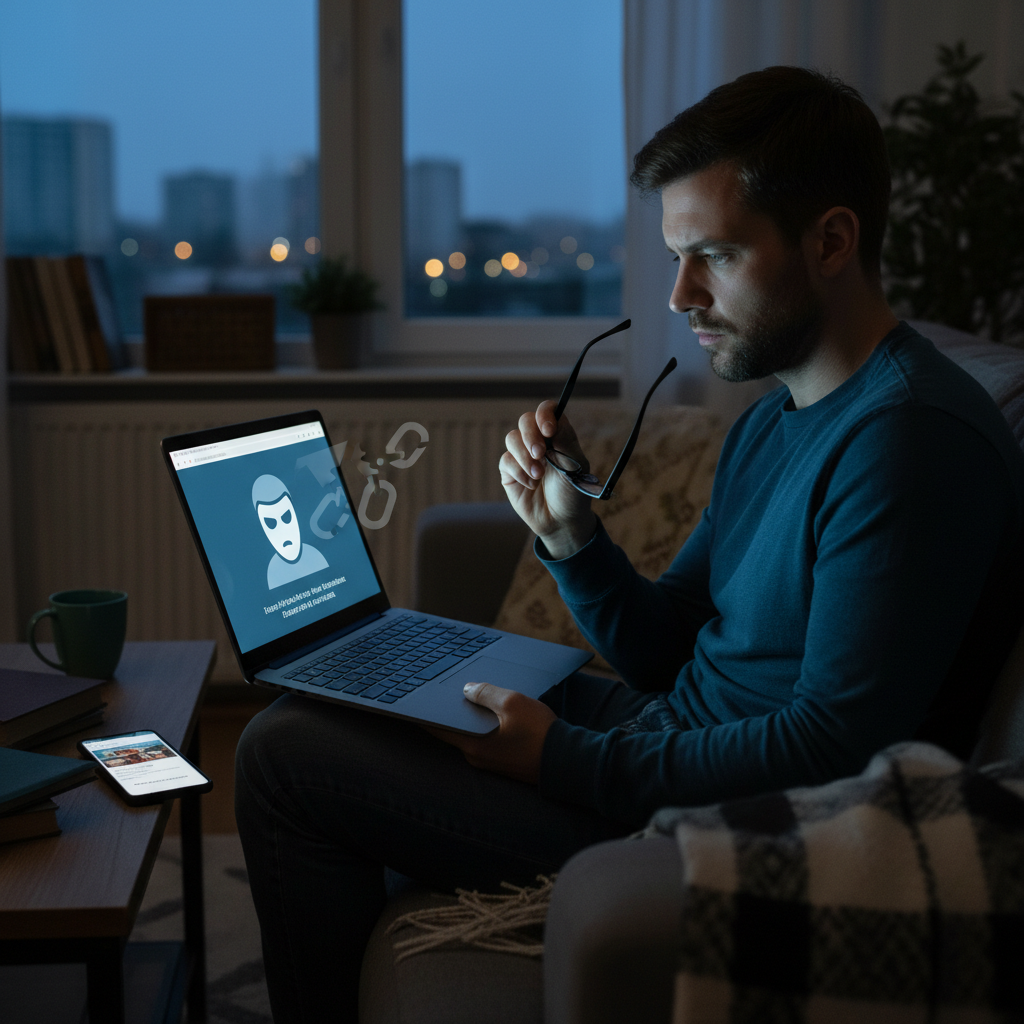
The common misconception is simple: incognito mode, or private browsing, makes you anonymous online. The idea is that your browsing history, cookies, and other data are not saved, so your online activities are hidden from everyone. It’s a logical assumption, right? If your browser isn’t saving the information, then it’s not available to be seen later. This makes sense for local privacy, like preventing others who use your device from seeing what you’ve been up to.
Why the Myth Persists
Several factors contribute to the enduring belief in incognito mode’s power:
- Simple Concept: The idea of a “private” window is easy to understand.
- Direct Benefit: It *does* prevent your browser from saving your local history.
- Marketing: Browser developers often highlight the “private” aspect, which is true to an extent, but can be misleading.
This creates a sense of control and security that’s appealing in a world where online privacy is a growing concern. The constant connection we have with the internet heightens the desire to keep some things secret.
The Reality Check: What Incognito Mode Actually Does
Let’s be clear: Incognito mode is a tool for *local* privacy. It prevents your browser from storing certain data on your device, including:
- Browsing History: Websites you visit won’t appear in your browser’s history.
- Cookies and Site Data: Cookies are deleted when you close the incognito window.
- Passwords and Form Data: These are not saved.
This means that if someone else uses your device, they won’t easily see what you’ve been doing. That’s its primary function. It’s like closing the curtains in your house. It prevents those outside from seeing *in*, but it doesn’t make your house invisible.
The Great Incognito Fail: What It *Doesn’t* Do
This is where the myth falls apart. Incognito mode *does not* provide complete anonymity or protect you from all forms of tracking. Here’s what you need to know:
- Your IP Address is Visible: Websites, your ISP (Internet Service Provider), and network administrators can still see your IP address. This reveals your general location.
- Websites Still Track You: Websites can use various techniques to track you, including:
- Browser Fingerprinting: This creates a unique profile based on your browser’s configuration.
- Server-Side Tracking: Websites can log your visits on their servers.
- First-Party Cookies: Some cookies can still track you during your session.
- Not Malware Proof: Incognito mode doesn’t protect you from malware or phishing attacks. If you download a malicious file or click a phishing link, you’re still vulnerable.
- ISP and Employer Monitoring: Your ISP can still monitor your activity, and your employer can track your browsing on a company network.
- Google Knows: Google, the company that owns Chrome, was sued for tracking incognito users. Despite the settlement, the tracking capabilities remain.
In short, incognito mode doesn’t make you invisible to the internet. Websites, advertisers, and even your ISP can still track your activity.
Common Misunderstandings Debunked
Let’s clarify some common misunderstandings about incognito mode:
- “Incognito Mode Makes Me Anonymous Online”: False. Your IP address is still visible.
- “Websites Can’t Track Me in Incognito Mode”: Also false. Websites use various methods like fingerprinting.
- “I’m Safe from Ad Tracking in Incognito Mode”: Not entirely true. Advertisers can still track you.
- “Incognito Mode is Secure Enough for Online Transactions”: Not necessarily. It doesn’t encrypt your data.
- “Incognito Mode is Ideal for Anonymous Online Browsing”: No, it doesn’t provide true anonymity.
What Matters Instead: A Practical Approach to Online Privacy in 2026
If incognito mode isn’t the magic bullet, what can you do? Here’s what matters in 2026:
- Use a Privacy-Focused Browser: Consider browsers like Brave or Kahf Browser, which have built-in privacy features like tracker blocking. Firefox is also a good option with customization.
- Use a VPN: A VPN (Virtual Private Network) encrypts your internet traffic and masks your IP address, making it harder to track your activity.
- Be Careful with Logins: Avoid logging into accounts while browsing in incognito mode, as this defeats some of the purpose. Logging in allows websites to track your activity.
- Use Strong Passwords and 2FA: Protect your accounts with strong, unique passwords and two-factor authentication.
- Be Aware of Your Online Behavior: Think about the information you’re sharing online and the websites you visit.
- Update Your Security Practices: Stay vigilant and practice safe browsing habits, even when using incognito mode. This includes being cautious about clicking links and downloading files.
Ultimately, a layered approach to privacy is most effective. Combining a privacy-focused browser with a VPN, strong passwords, and cautious browsing habits offers far better protection than relying on incognito mode alone.
Incognito Mode and the Lawsuit
In 2024, Google settled a $5 billion lawsuit related to tracking incognito users. The lawsuit alleged that Google tracked users’ browsing activity even when they were using incognito mode. As part of the settlement, Google agreed to delete billions of browsing records. However, the technical capability to track users still exists within the browser. This serves as a reminder that privacy is an ongoing battle, and relying solely on a single feature like incognito mode is insufficient. The lawsuit highlighted how important it is to have a multi-faceted approach to digital privacy.
The Takeaway: Incognito is a Tool, Not a Fortress
Incognito mode is a useful tool for local privacy. It’s great for keeping your browsing activity private from others who share your device. But it’s not a magic bullet that makes you anonymous online. Don’t fall into the trap of thinking you are invisible. For real privacy, use a combination of tools and practices. The illusion of incognito mode is a reminder to be proactive and informed about your online security. In 2026, the smart user is a prepared user.
FAQ: Incognito Mode Myths Unpacked
- Does incognito mode save any data?
No, it prevents your browser from saving your browsing history, cookies, site data, and form data on your device after you close the session.
- Can my employer see what I browse in incognito mode if I’m on a company network?
Yes, your employer can still monitor your browsing activity.
- Is incognito mode the same in all browsers?
The core functionality is the same, but some browsers may handle cookies and data differently during incognito sessions.
- Does incognito mode hide my IP address?
No, it does not hide your IP address.
- Can websites track me in incognito mode?
Yes, websites can still track you using methods like browser fingerprinting and server-side tracking.
- Is incognito mode safe for online transactions?
It doesn’t encrypt your data, so it isn’t inherently more secure.
- Will incognito mode protect me from malware?
No, it does not offer any additional protection against malware.
- If I use incognito mode, am I completely anonymous?
No, you are not completely anonymous. Your ISP, websites, and others can still see your activity.